Hi,
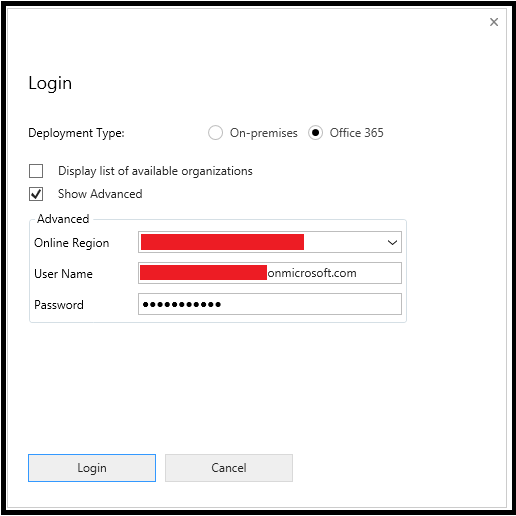
While connecting to Dynamics CRM Online organization from latest SDK wee were getting Format Exception (“Input string was not in correct format”).
Plugin registration tool was able to successfully connect and list the Organization to select from but after that it failed.

Resolution:
Above issue was due to regional settings which were messing with the format of data Hence the error.
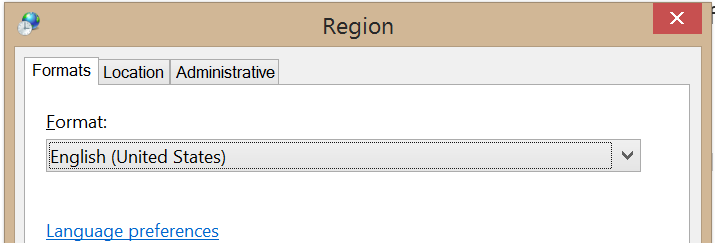
To resolve it I changed the regional settings to English – United States.
Follow the given steps.
1. Go to Control Panel –> Click Change date, time, or number formats

2. Change format to English (United States)
 Tech, Design and Development
Leave a comment